


Overview
The Interwork Institute’s Center for Distance Learning (II-CDL) provides unique and customized learning, education and information technologies to audiences across the U.S. and abroad.
We collaborate with training, education, and human development organizations to create engaging, accessible learning and information opportunities. With the belief that learning can be an adventure of personal achievement, II-CDL connects learners to new dimensions in knowledge and meaning.
The Power of Distance Learning
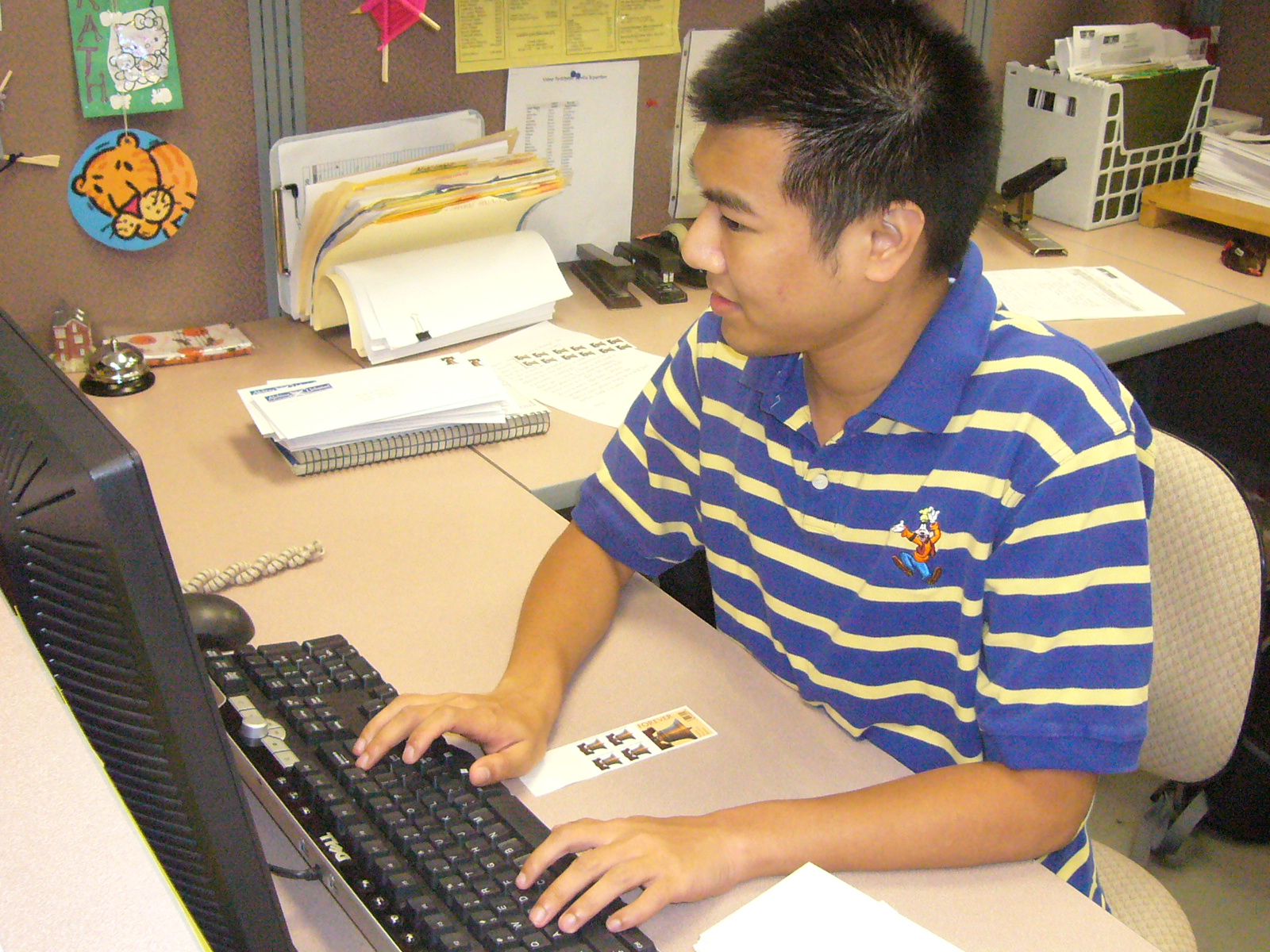
State-of-the-art technologies available today make it easy to access high quality education and training programs. Today’s distance learning experiences can be as rigorous and as exciting as being in a physical classroom. Instruction that is personalized and grounded in real world settings empowers learners to readily apply new knowledge and skills to their lives and careers. II-CDL works with both internal and external departments, colleges, state agencies, non-profit organizations, and other clients to provide customized educational, training, and technology solutions.
We collaborate with these partners to offer over 100 online courses, with over 2,000 enrollments annually. Academic programs include courses, certificates and degrees at the bachelor's, master's, and doctoral levels. Students are based nationally and internationally, with cohorts of students in locations such as the Territory of American Samoa, the Republic of Palau, and the Federated States of Micronesia.
Our non-academic programs offer opportunities for continuing education through online and hybrid training, self-paced modules, and webinars. Many of the online training series offer continuing education recognition such as Commission on rehabilitation Counselor Certification (CRCC) in addition to the Certificate of Completion. These training series and webinars have supported over 3,000 participants since 2008.
Connecting People to People
Distance education allows learners to access instruction anytime, anywhere, without disrupting individual lifestyles. Through our programs, learners establish networks with peers, colleagues and experts around the world, enabling collaboration no matter their physical locations. By maximizing technologies and distance strategies, we help educators establish online communities that encourage open dialogue and interaction.
 Sitemap


